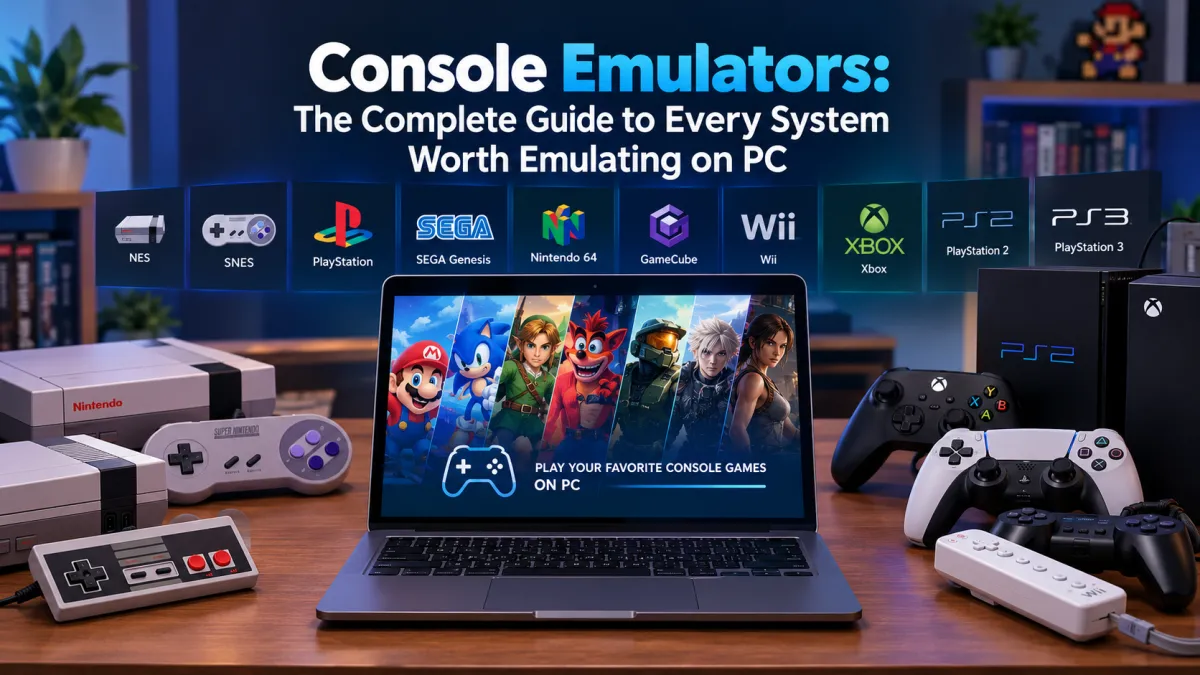
Console Emulators: The Complete Guide to Every System Worth Emulating on PC
Most "best console emulator" articles either try to cover everything in one flat, confusin...


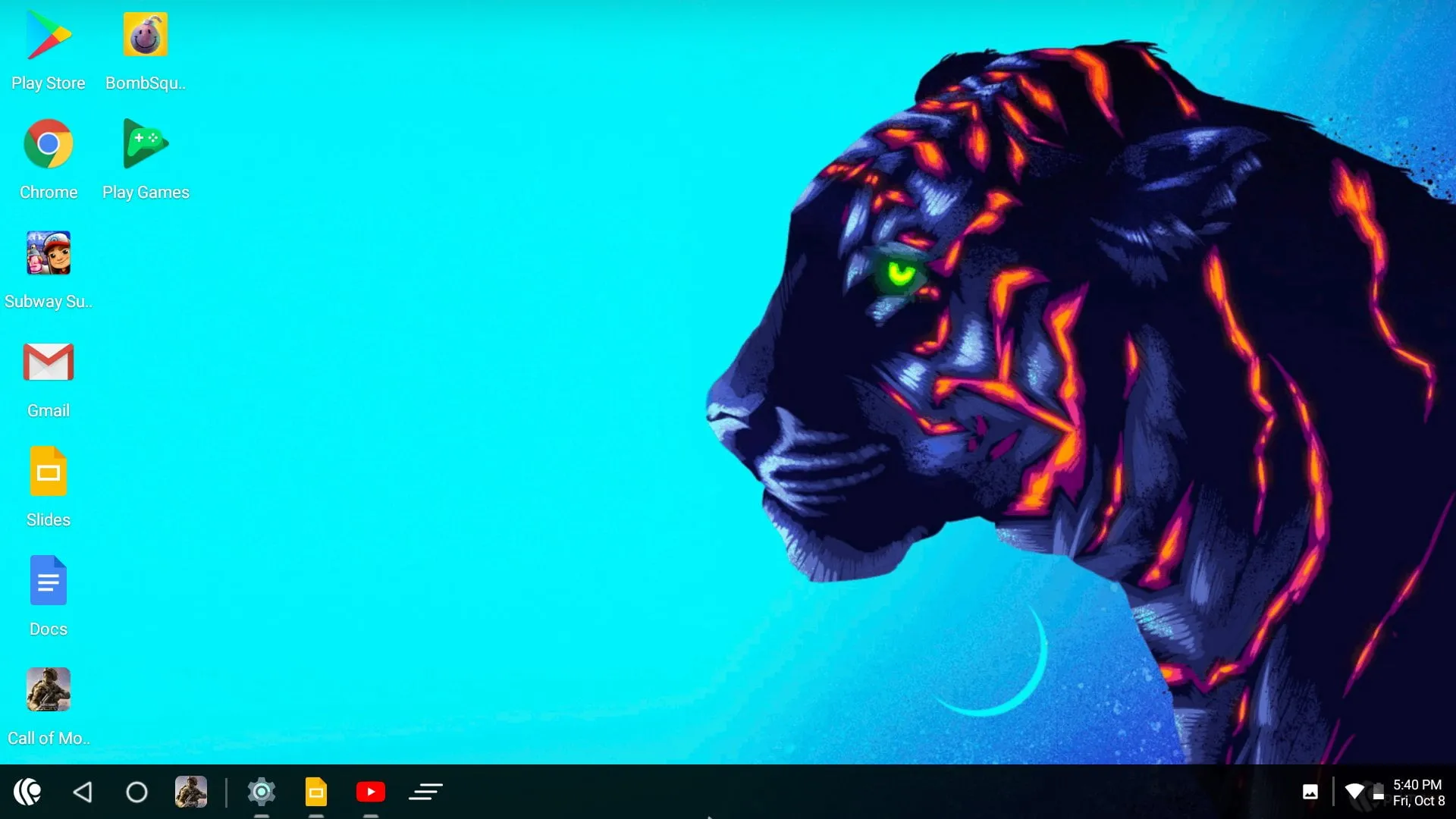
PrimeOS is a desktop operating system based on Android, allowing users to run Android apps and games on PCs. It combines the Android ecosystem with a desktop-like interface, offering multi-window support, key mapping for gaming, and compatibility with most apps. Ideal for both gaming enthusiasts and developers.
dual-core processor
2 GB
8 GB
Reviews are moderated. Your review will be published after being approved by an administrator.
Have an account? Log in to post a review, or continue below with your name and email.
Positive Ratings
80%
Average Rating
4.4/5
Get the latest version of Prime OS and start using it right away.
Phoenix OS
Phoenix OS is a versatile Android-based operating system tailored for desktops and laptops, merging the flexibility of mobile apps with a desktop-style experience. It features a sleek interface with a taskbar, start menu, and multi-window capabilities, making it perfect for users seeking productivity and entertainment on larger screens.

Bliss OS
Bliss OS is an open-source Android-based operating system for PCs, offering a desktop-like experience with full Android app compatibility. It supports x86/ARM architectures, enabling users to run mobile apps on laptops or desktops. With customization, regular updates, and community-driven development, Bliss OS bridges mobile and desktop computing seamlessly.

Remix OS
Remix OS was a discontinued Android-based operating system for x86 and ARM PCs, developed by Jide Technology. It featured a desktop interface with multi-window support, keyboard/mouse optimization, and Google Play integration, enabling users to run Android apps on computers. Based on Android-x86, it aimed to bridge mobile and desktop experiences but was discontinued in 2017 due to strategic shifts.
Android-x86
Android-x86 is an open-source project that ports the Android operating system to x86 architecture, enabling users to run Android apps and games on desktop and laptop computers. It supports hardware acceleration, multi-boot configurations, and provides a complete Android experience with Google Play Store access on traditional PC hardware.

OpenThos
OpenThos is an open-source desktop operating system based on Android-x86, developed by Tsinghua University, Tongfang, and Emind Software. It bridges the gap between mobile and desktop computing, enabling users to run millions of Android applications on PCs and laptops while maintaining a familiar desktop experience with multi-window support and robust security features like trusted computing and encryption.
Side-by-side comparisons, benchmarks, and community votes
Fresh guides, news, and insights
Most "best console emulator" articles either try to cover everything in one flat, confusin...
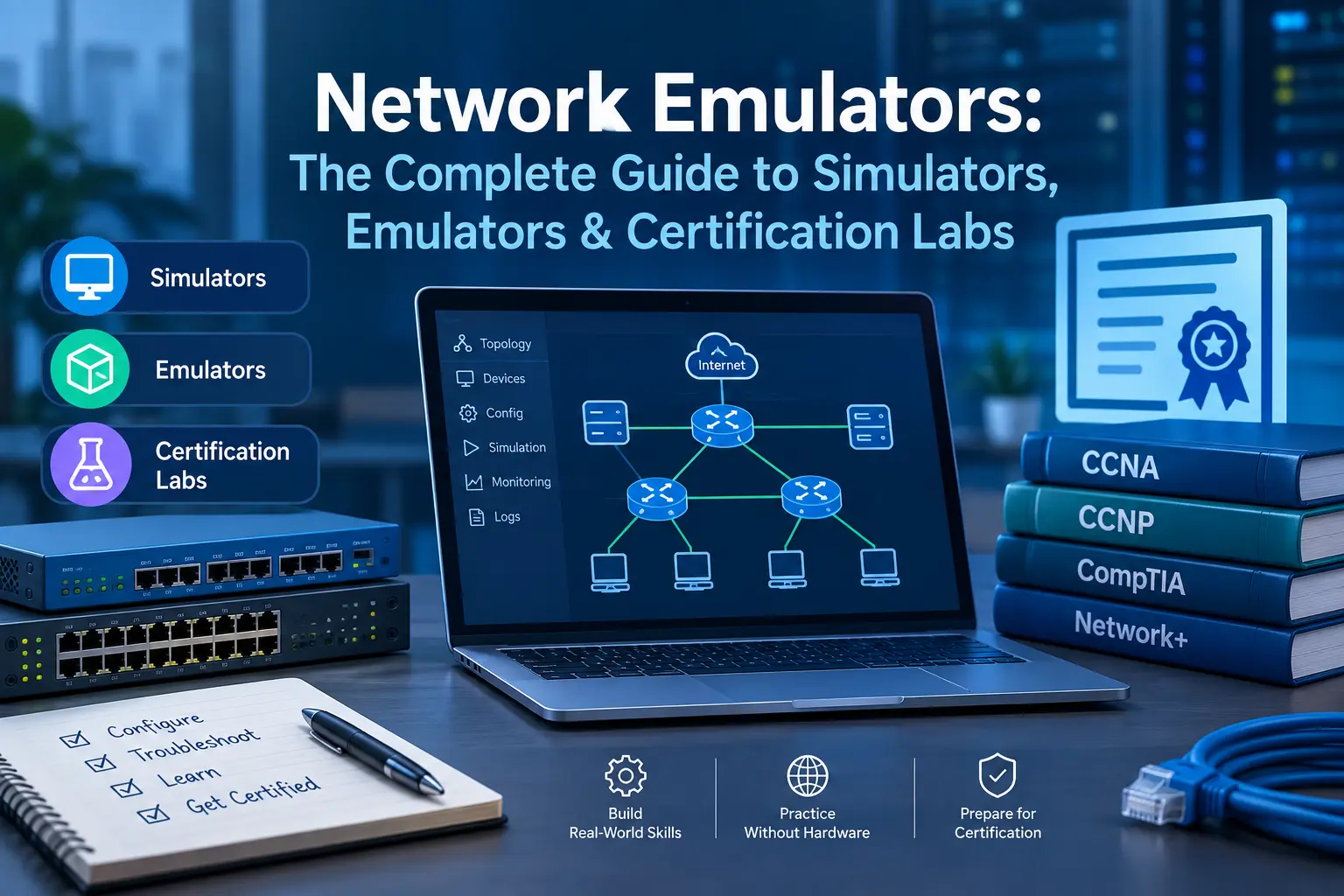
Search "network emulator" and you'll mostly find the same five tools recycled across a doz...
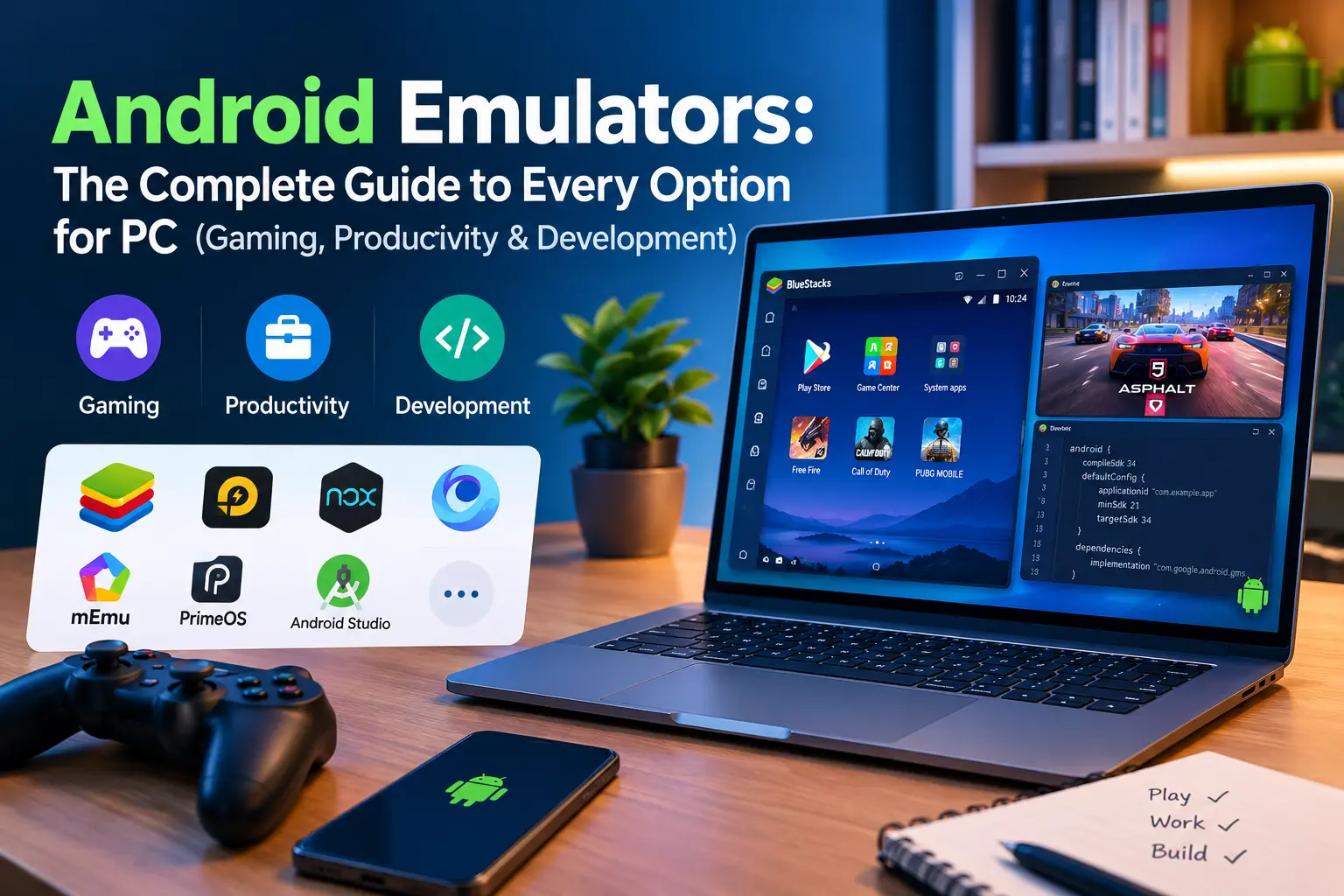
Type "Android emulator" into Google and you'll get no shortage of opinions — most of them...
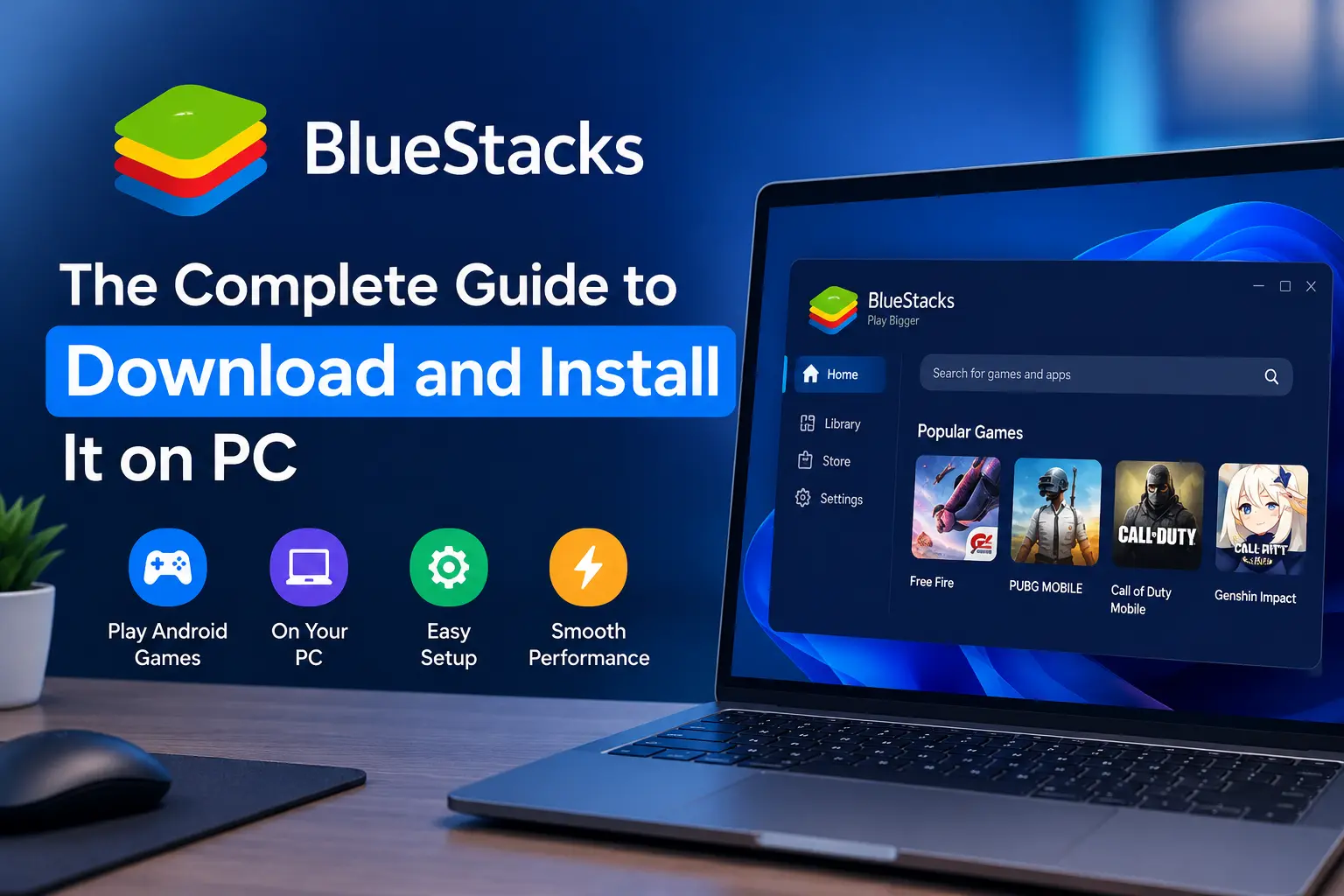
If you've ever wanted to play a mobile game on a bigger screen, or you're testing an Andro...